What AI agents do for you
Service at any hour
They answer in seconds, including outside your team’s working hours.
All your channels
The same agent can serve WhatsApp, Instagram and the Webchat on your website.
Less load on the team
They resolve routine requests and leave to the team what requires a decision.
Lead qualification
They ask the right questions and hand Sales a lead that is already qualified.
Automatic actions
They create and move deals in Pipelines, send media, add notes, apply tags, transfer conversations and query external systems.
Your brand's tone
They talk in the tone you choose: Formal, Normal or Relaxed.
How an AI agent works
1
You create the agent
You define the name, purpose, tone, behavior and company information in the creation wizard.
2
You teach the agent
In the Trainings tab, you add text, files and your company website. The agent answers based on this content.
3
You define what it can do
In the Skills tab, you turn on native skills and set up tags, transfers, media sending and deal management in Pipelines. In the Apps tab, you connect external APIs and tools such as Google Calendar, Asaas and RD Station. In the Settings tab, you adjust the conversation style.
4
You test
In Test Agent, you simulate conversations and check the answers and the skills executed.
5
You link the agent to channels
In Channels, you choose the agent in the AI Agent (Optional) field of each channel. New conversations on that channel are then handled by the agent.
6
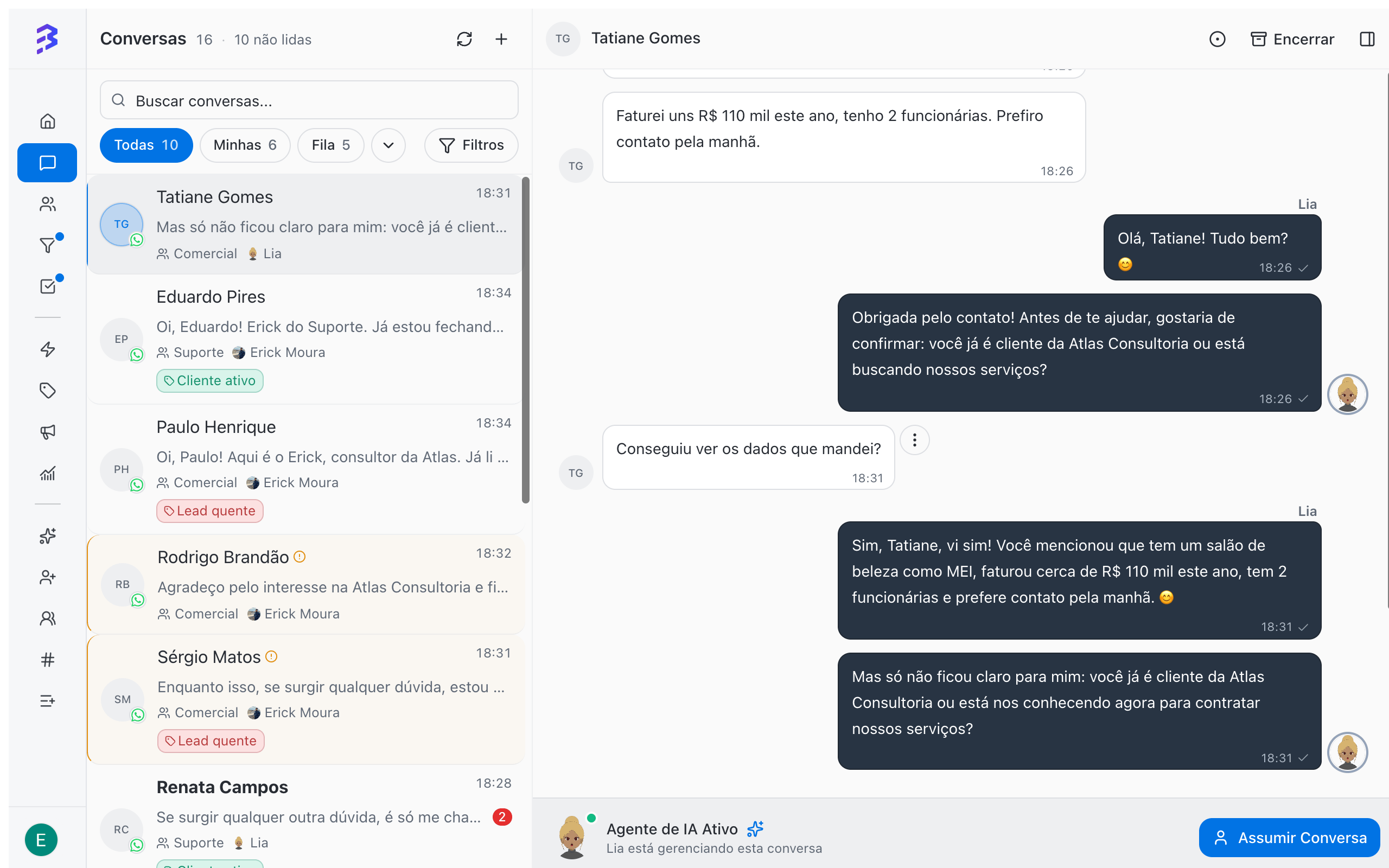
The agent and the team work together
The agent resolves routine requests and transfers the rest. The team hands the conversation back to the agent with Handoff to AI and takes it back with Take Over.
Where the agent works
Each channel has at most one linked AI agent. The same agent can be linked to several channels: use a single agent for WhatsApp, Instagram and Webchat, or create specific agents for each channel.
Agent tabs
The Test Agent button, in the top right corner of the agent page, opens the test chat.
Available purposes
Who can manage agents
Only the Administrator role creates, configures, activates, deactivates and deletes AI agents. Manager and Member work on the conversations handled by agents, including handing conversations off to AI and taking over conversations from AI. Roles and permissions →Limits and precautions
- The number of agents active at the same time depends on your plan.
- Trainings and voice responses consume AI credits.
- The agent answers based on what it was taught and configured. Review the training whenever products, prices or procedures change.
- The AI agent only acts in the Pipelines and stages you unlocked in the Manage deals skill. Review the skill whenever you change the stages.
Next steps
Create an AI agent
Set up profile and company and review in a few minutes.
Hybrid service
See how AI and the team share the work.